📦
No hardware
No pucks to buy, replace, or chase down at closing time.
 pagersjo
Restaurants · Cafés · Food courts
It blinks, it buzzes, it walks out the door in someone's bag.

The pager is already in their pocket.
How it works
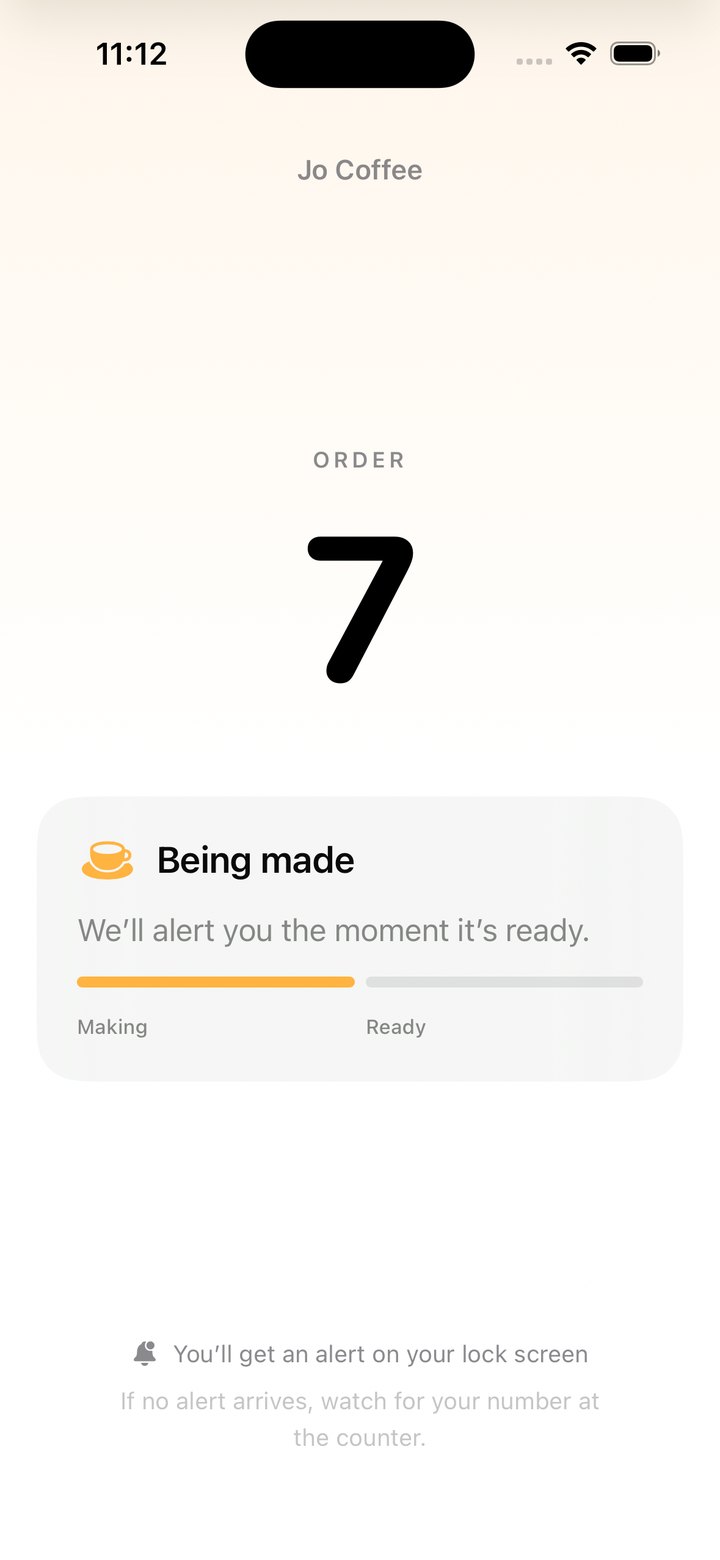
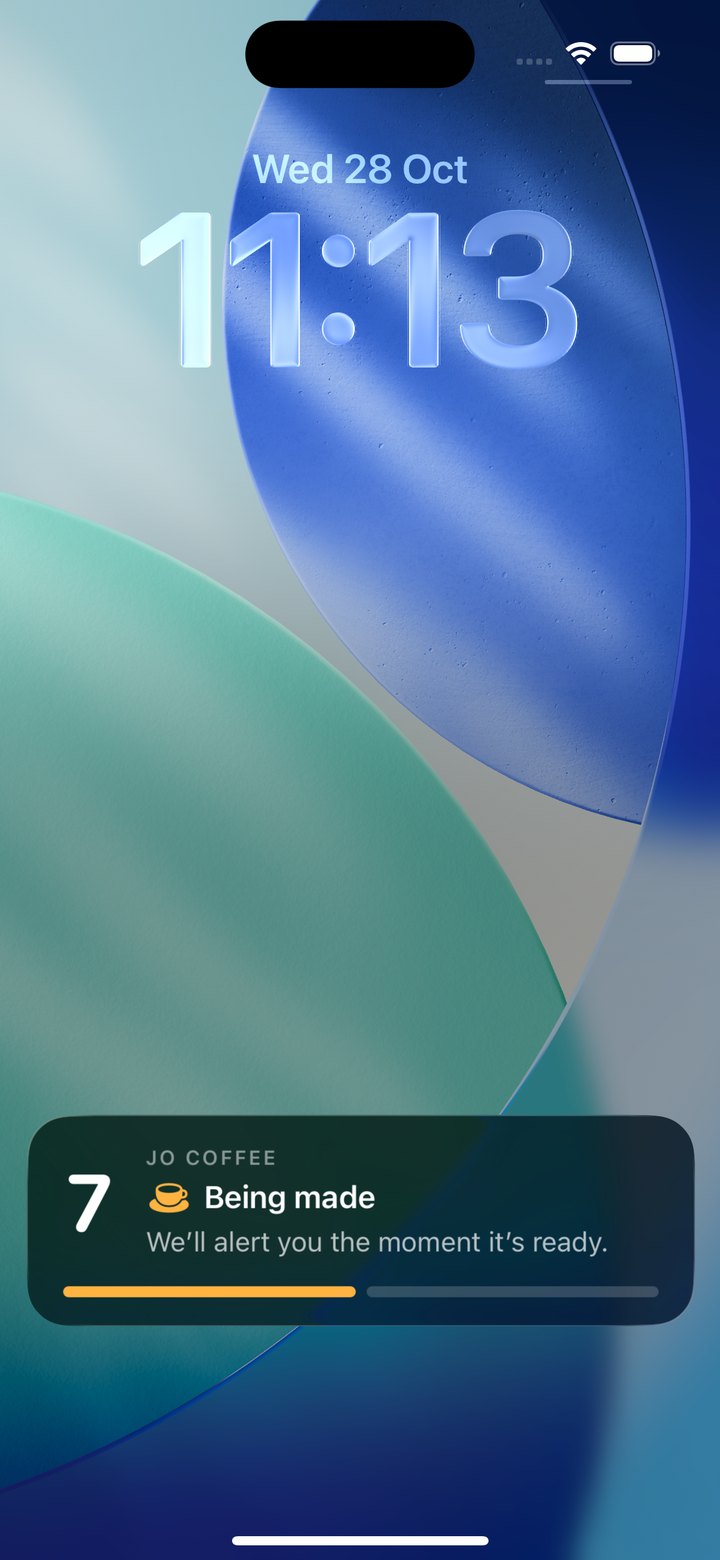
The counter tablet picks the next number and shows a QR code made for that one order.
Any phone camera works. No app to download, no account, nothing to type.
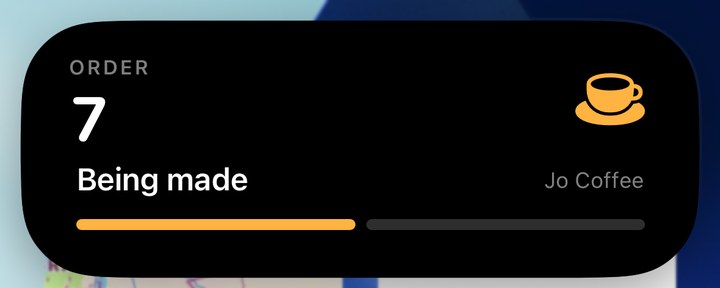
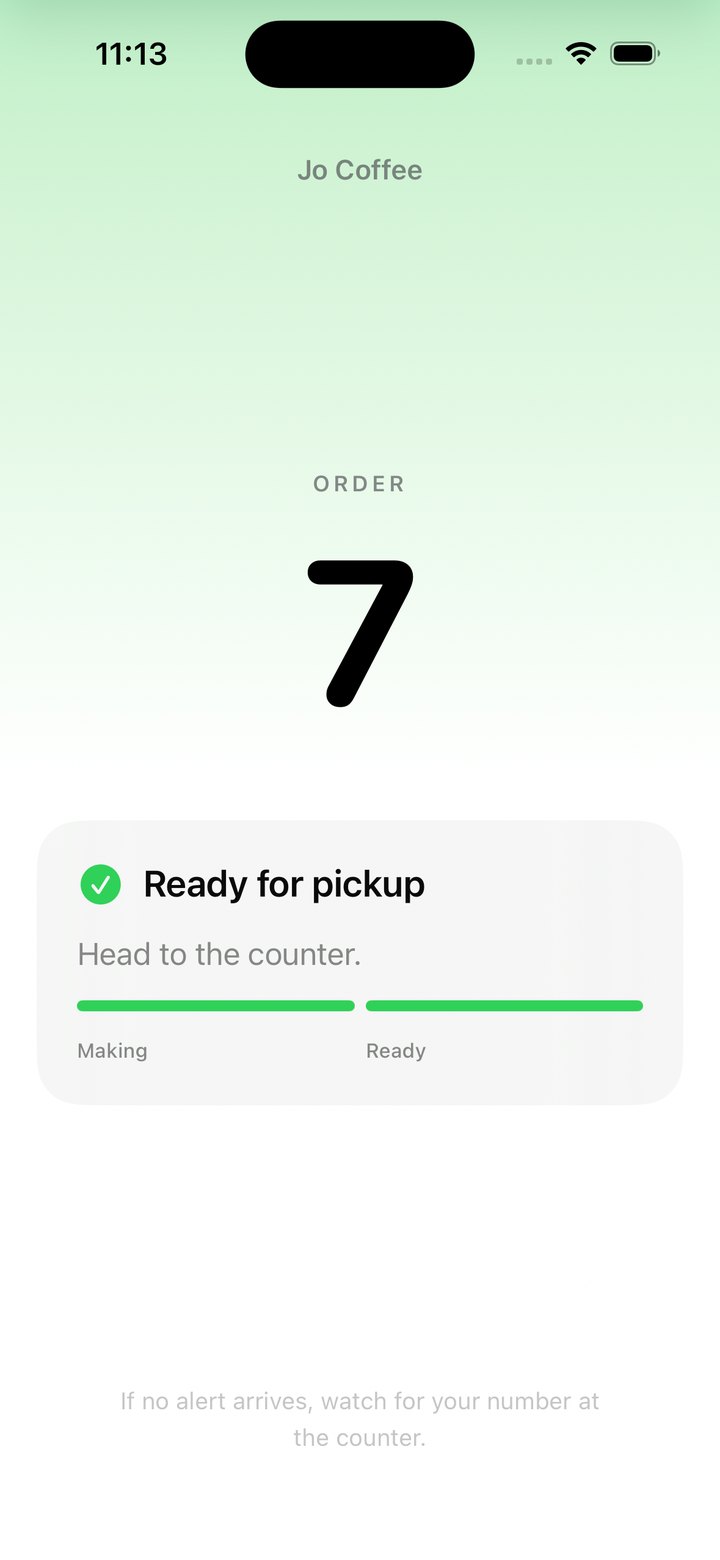
On iPhone it opens as an App Clip, with no install, and the order sits on the lock screen and in the Dynamic Island. They can sit down, step outside, keep talking.
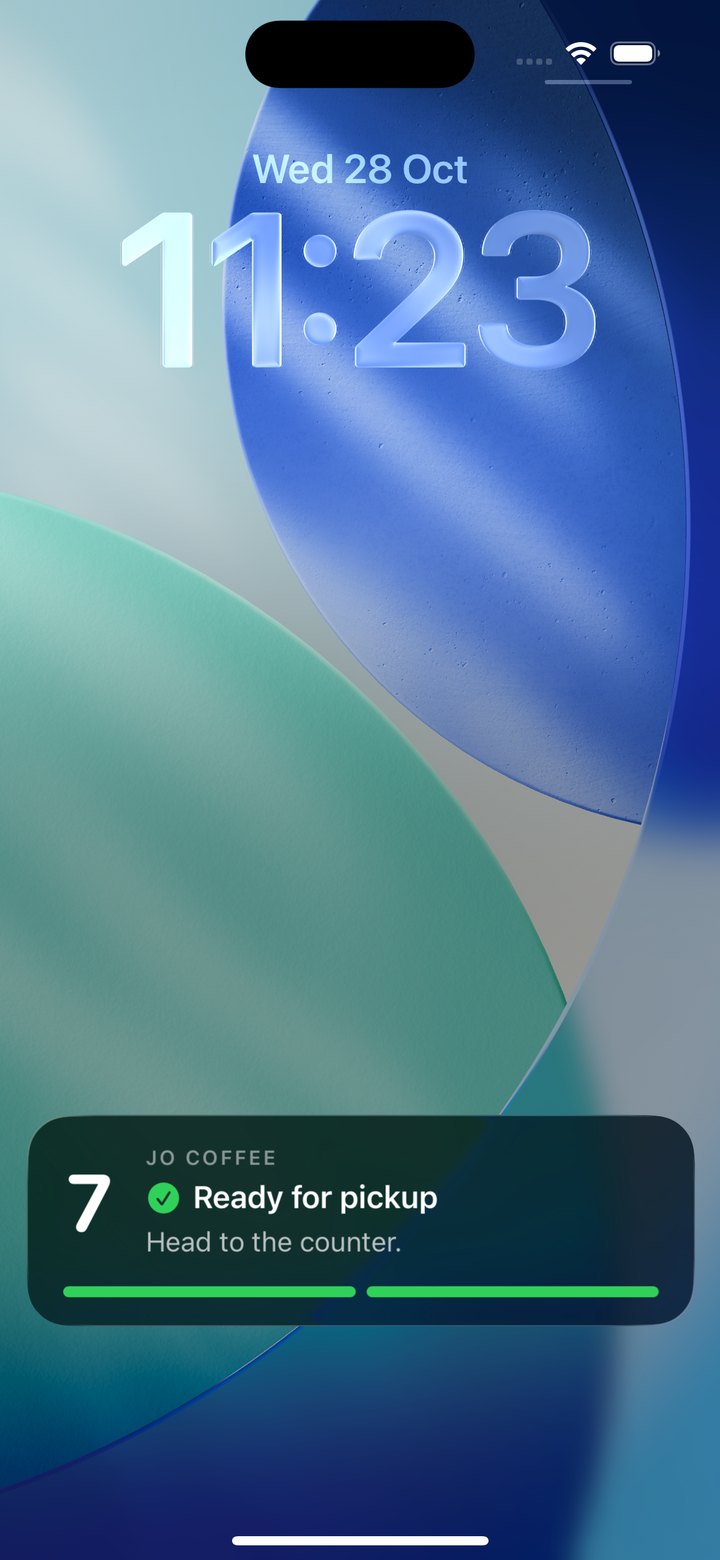
Their lock screen turns green and buzzes, within seconds: “Ready for pickup. Head to the counter.” Need them again? Tap Recall.
Nothing to collect, charge, or wipe down. The order clears itself and the number is free for the next guest.
Why pagersjo
No pucks to buy, replace, or chase down at closing time.
Works in the browser on iPhone and Android, with push alerts where the phone supports them.
Guest didn't come? Recall sends a second alert to the same phone.
Right-to-left from day one, for your guests and your staff.
Your café's name on every customer screen.
Owners see orders, wait times and recalls for every branch.
iPhone customers follow their order in a Live Activity, without opening anything.